Upload a portrait
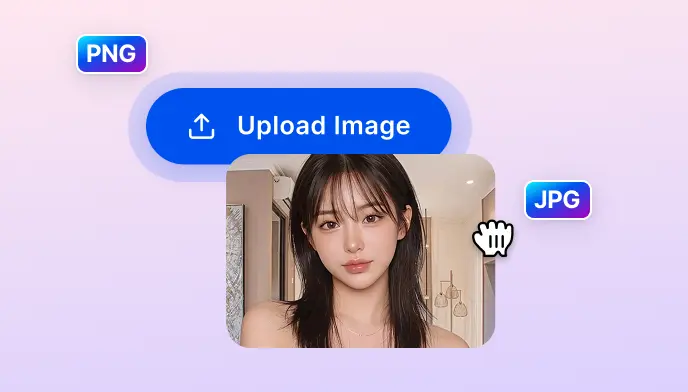
Upload a clear, front-facing photo with good lighting and your full face visible. JPG, PNG, WebP, and HEIC all work — use the best resolution you have for the most natural result.

Upload your photo and use SnapEdit as a virtual hairstyle try-on tool, from soft waves and bobcuts to bangs and curly bobs. Preview your next look before the salon, no sign-up or Photoshop needed.
Ctrl + V to paste image
No image? Try one of these
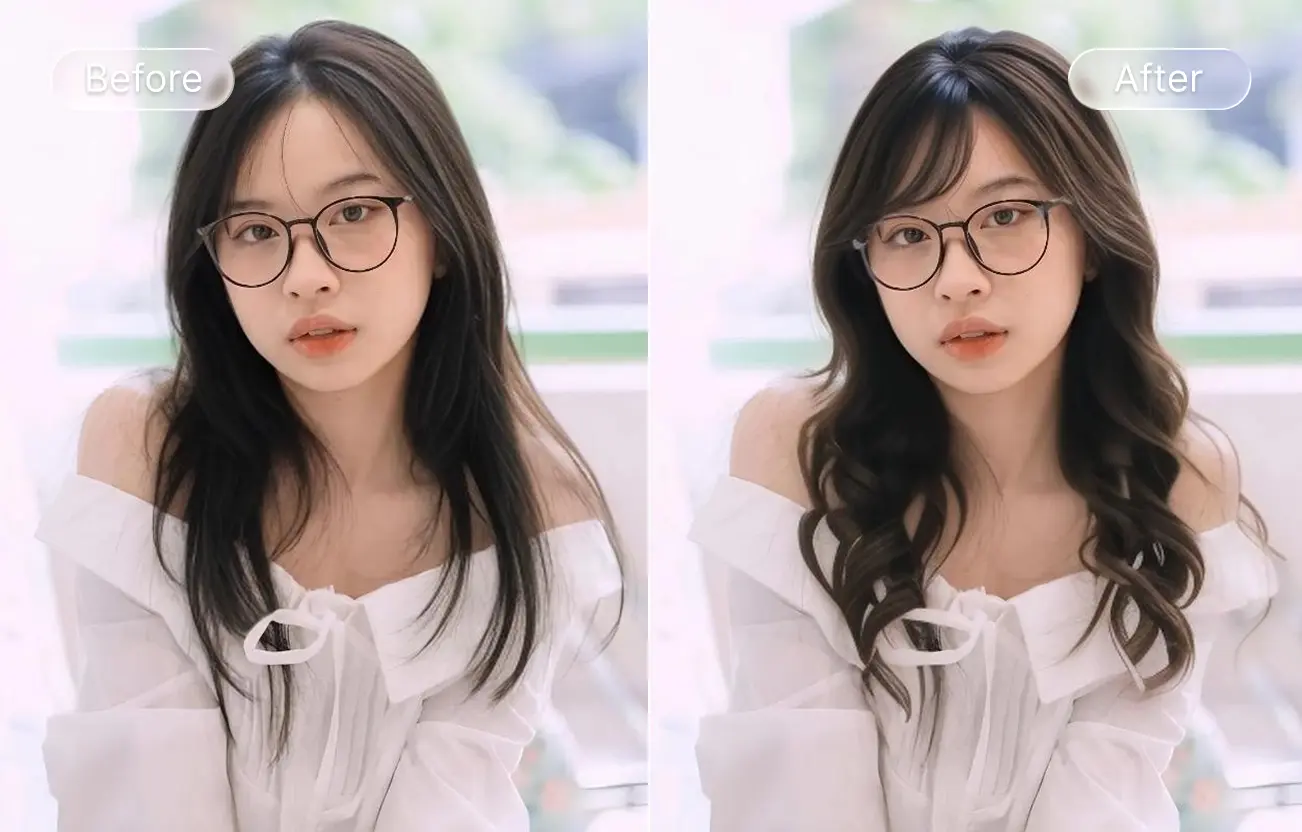
Try any of 24 hairstyles on your photo in seconds with AI Hair — upload, pick a style, and see your new look instantly.
Upload a clear, front-facing photo with good lighting and your full face visible. JPG, PNG, WebP, and HEIC all work — use the best resolution you have for the most natural result.
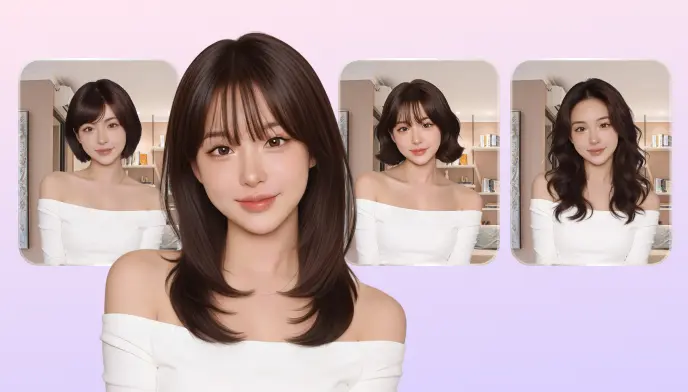
Browse 24+ visual style thumbnails — Soft, Wavy, Bobcut, C-shaped, Bangs, Straight, Long, Braided, Bendy Bob, Curly Bob, Curls, French Bob, Flippy Bob, Air, Wispy, Full Blunt, Light Blunt, Choppy, Left Sweep, Right Sweep, and more. Tap any to apply. Each try uses 1 credit.
Review the result, switch styles to compare, and download the version you love in HD, ready to share with your stylist or post directly on social media.
Most people regret a haircut because they couldn't see it first. SnapEdit's AI Hair Changer works like a virtual hairstyle simulator, letting you try on curated hairstyles directly on your own photo. It's part of SnapEdit's AI photo editing suite, where you can change your hair, improve your skin, fix the lighting, and enhance your portrait all in one place.
The most common regret after a haircut is not being able to visualize the result first. AI Hair Changer shows you exactly how a pixie cut, a French bob, or long wavy layers would frame your face — on your actual photo, not a stock model. Try as many styles as you want before committing to scissors. Once you've found the right cut, use SnapEdit's AI Light Match tool to see how the new style looks under different lighting conditions.
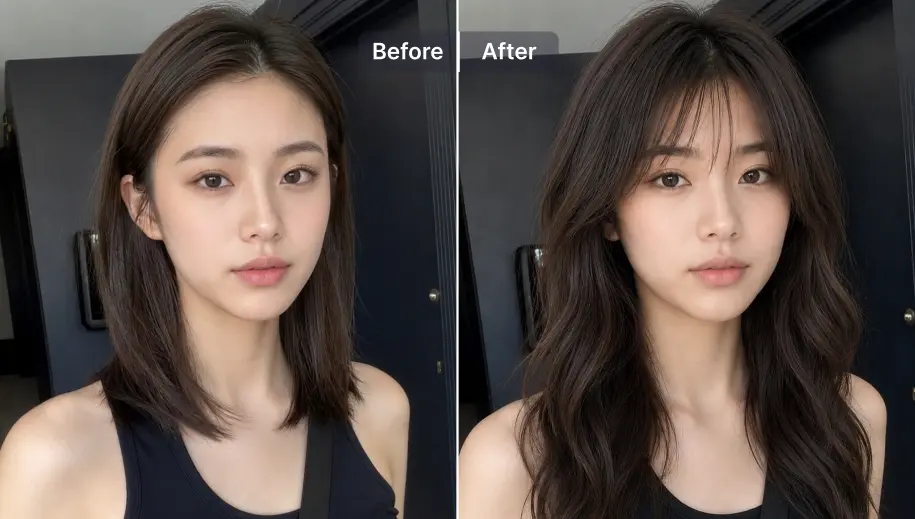
Most AI hairstyle changer tools require you to type a prompt like 'layered shoulder-length bob with curtain bangs' and hope the result matches what you imagined. SnapEdit works from a visual gallery — 24 style thumbnails, each showing exactly what the cut looks like. Tap to see it on your face instantly. No prompts, no guessing, no wasted credits.
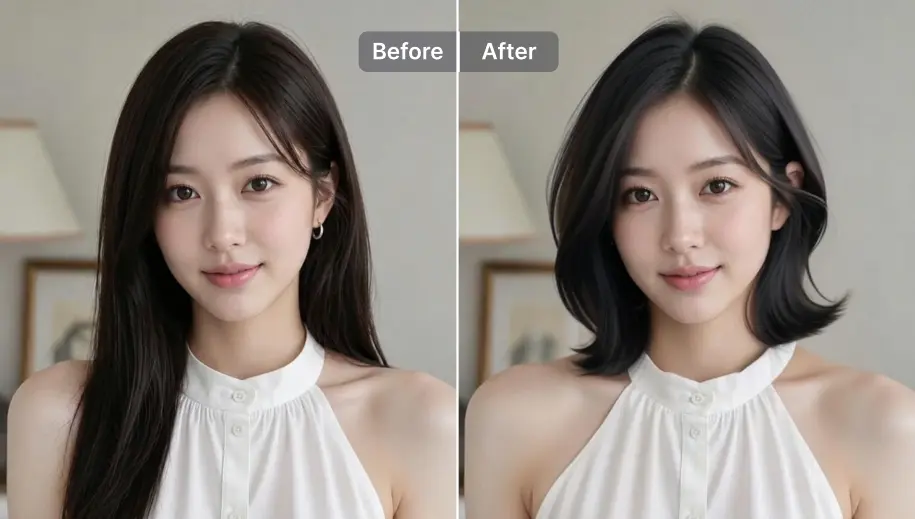
Beyond style swaps, AI Hair includes two utility presets you won't find on other tools: Fix Stray Hair cleans up flyaways and loose strands for a polished photo finish, and Fix Hair Part corrects an uneven or visible parting line. Useful for cleaning up portrait photos before you post. Pair the result with SnapEdit's AI skin tool to retouch the face in the same workflow, or use SnapEdit's background remover to place your portrait on a clean background after styling.
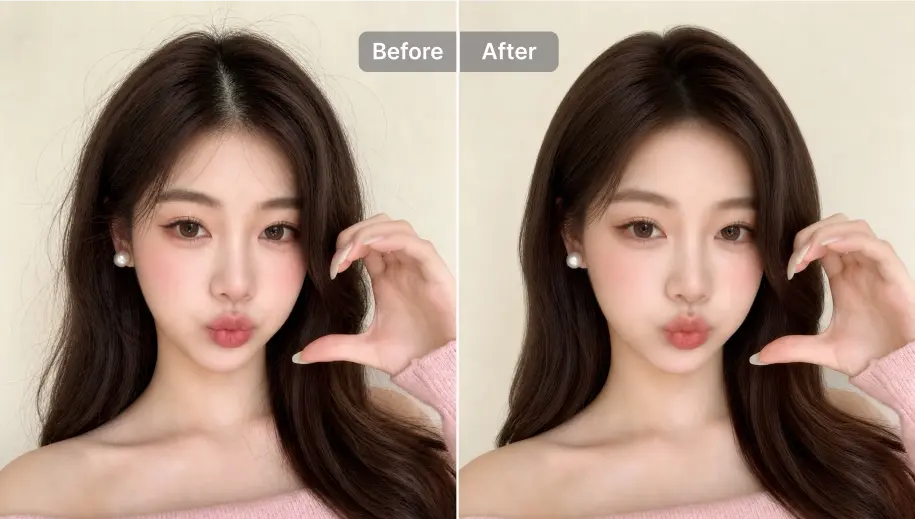
Trending Hairstyles Gallery
Browse and apply from 24 hair styles, see exactly what each style looks like before you try it. No text prompts, no guessing. New styles added regularly.
Your Face, New Hairstyle
The AI keeps your facial features, skin tone, and expression untouched, only the hair is replaced. The result looks like you with a new cut, not a different person.
Fast Hairstyle Matching in Seconds
SnapEdit's AI quickly matches new hairstyles to your face in seconds, so you can preview different styles without waiting or re-uploading your photo.
Free Credits to Start
Start trying hairstyles instantly with free credits — no signup required. Each hairstyle preview costs only 1 credit, making it easy to explore new looks anytime.
The SnapEdit app is available on the App Store and Google Play. Try new hairstyles on your photos anywhere, directly from your phone camera roll.


 The easiest AI photo editor to remove unwanted objects from photos.