Upload your selfie
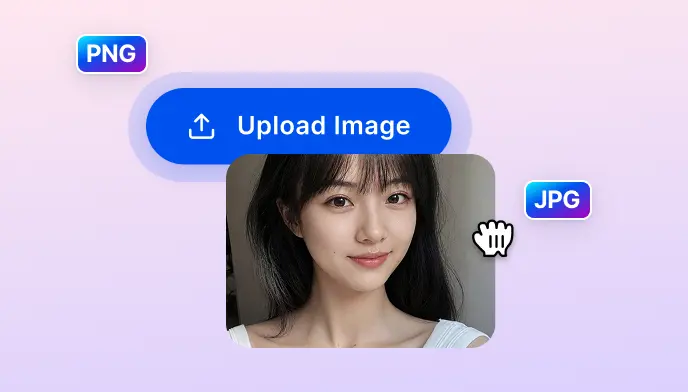
Upload a clear, front-facing photo with your full face visible. Works best with even lighting and no sunglasses or accessories covering the face. JPG, PNG, and JPEG supported.

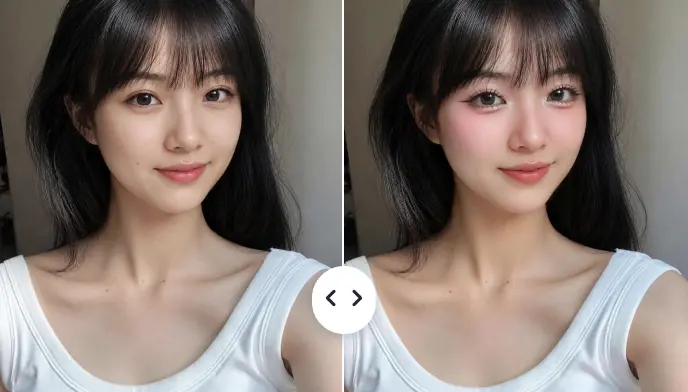
Upload a selfie and SnapEdit's AI Look applies trending beauty styles — Douyin, Strawberry, Y2K, Peach, and more — directly to your face in seconds.
Ctrl + V to paste image
No image? Try one of these
Upload a selfie, pick a beauty aesthetic, and SnapEdit's AI Look applies the makeup style to your face in seconds — no brushes, no products, no skills needed.
Upload a clear, front-facing photo with your full face visible. Works best with even lighting and no sunglasses or accessories covering the face. JPG, PNG, and JPEG supported.
Browse aesthetic presets — Peach, Strawberry, Douyin, Y2K, Terracotta, Mocha Brown, and more. Tap any preset to apply. Each application costs 2 credits. Switch between styles as many times as you want until you find the one that feels right.
Once you're happy with the look, download your photo. Free users get a smaller size output. Upgrade to SnapEdit Pro for HD download at original resolution.
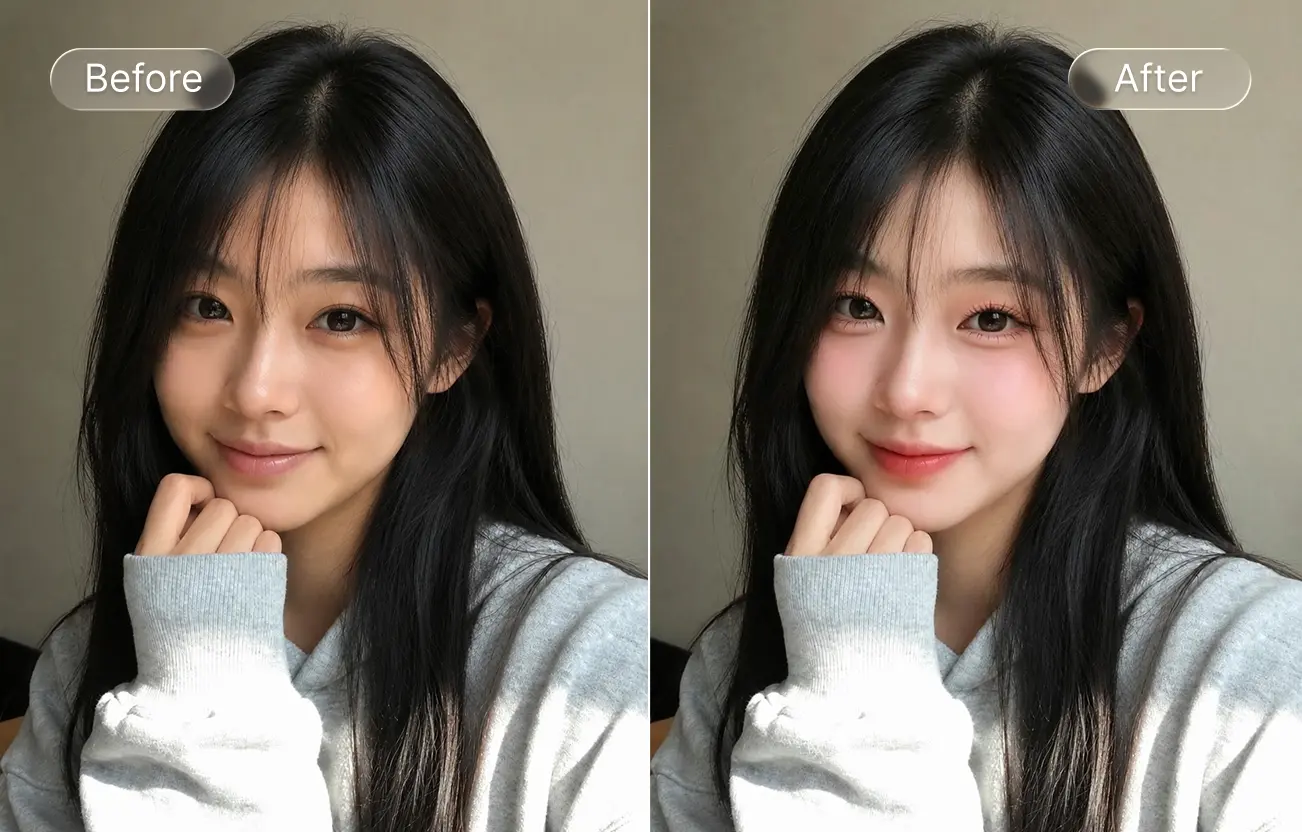
There's a version of you in Strawberry girl glow. A version in cool Douyin finish. A version in warm Copper Brown. You just haven't seen them yet. SnapEdit's AI makeup try-on shows how each look lands on your real face — before you spend on products or book a makeup artist.
Wondering if the Strawberry girl look suits your skin tone? Whether Terracotta works with your features? If Douyin glow is too soft or just right for your vibe? Virtual Makeup Try-On applies every aesthetic to your actual photo, so you can see the real result before spending on blush, lip tints, or foundation. Try Peach, Mocha Brown, Cool Pink, and every other preset in seconds. Pair with AI skin to refine skin texture under the new look.
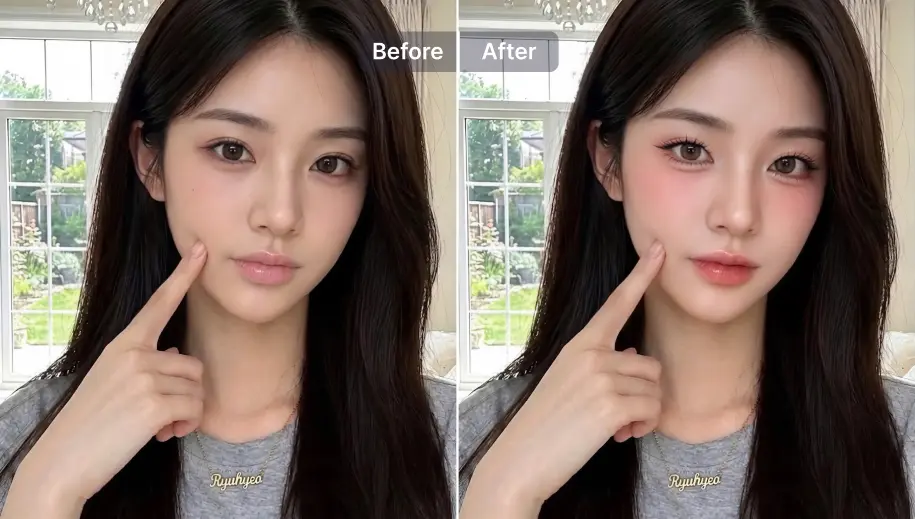
Your selfie is good. The lighting was fine. But something feels off when you post it. A lot of the time it's not the photo; it's the beauty energy. AI Look presets are inspired by beauty aesthetics trending on TikTok, Instagram, and Xiaohongshu: Y2k for the glossy high-shimmer look, Strawberry for the warm dewy finish, Pink Douyin for the clean soft-face glow. Try each one and see which version of your face stops the scroll.
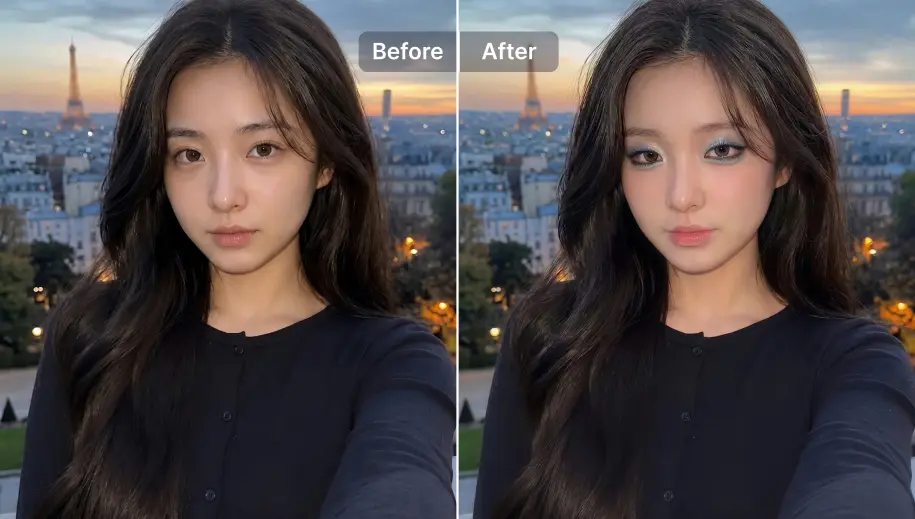
The hardest part of a salon appointment or makeup session is describing the look you want. Apply a makeup preset, download the result, and bring it as a visual reference. Your stylist sees exactly the tone, finish, and aesthetic you're going for. Works for makeup appointments, photoshoot briefs, and beauty content planning. Combine with AI portrait generator if you also want to show how the look lands in a full portrait style.
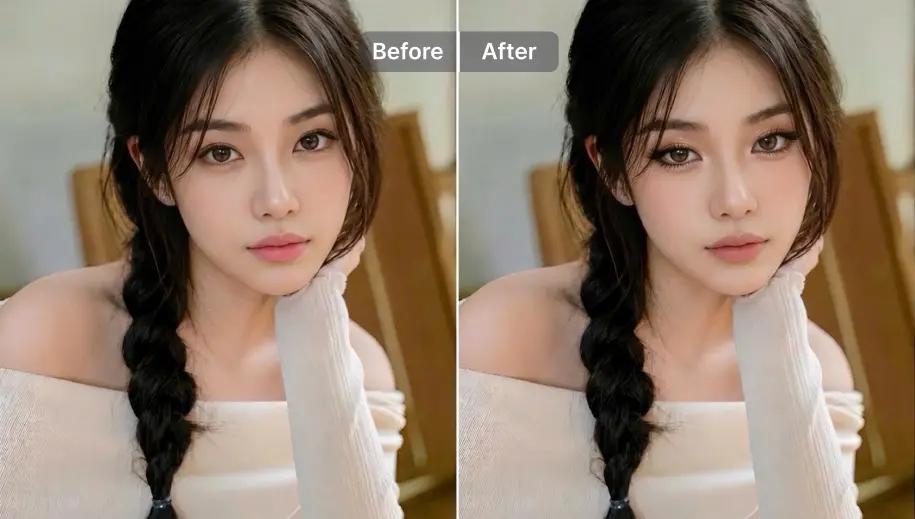
Trending Beauty Aesthetic Presets
Explore trending makeup filter styles inspired by TikTok, Xiaohongshu, and Instagram beauty aesthetics: Strawberry, Douyin, Y2k, Terracotta, Mocha Brown. You know exactly what vibe you're getting before you tap.
Realistic Virtual Makeup Results
Try virtual makeup on your face with realistic AI beauty filters that preserve your natural expression, face shape, and skin tone. The result looks like you, styled - not a different person.
Instant Makeup Look Switching
Once your selfie is uploaded, you can preview and switch between makeup looks instantly without re-uploading your photo.
Free Daily Makeup Try-Ons
Try virtual makeup online free with daily AI credits. Browse all presets for free, use daily credits to generate. HD download and Pro presets available on SnapEdit Pro.
The SnapEdit app is available on the App Store and Google Play. Try new beauty aesthetics with virtual makeup previews on your selfies anywhere, directly from your phone camera roll.


 The easiest AI photo editor to remove unwanted objects from photos.