


Choose image
Upload a photo to replace its background with a blue background

Change photo background color to blue easily
No image? Try one of these
To add a blue background to your image, first go to the
Upload a photo to replace its background with a blue background
SnapEdit automatically remove the original background and replaces it without damaging the image
Examine your new image and make additional adjustments using SnapEdit' powerful in-app editor before downloading

Blue background is often used for official documentations such as CV, visa photo for its professional quality
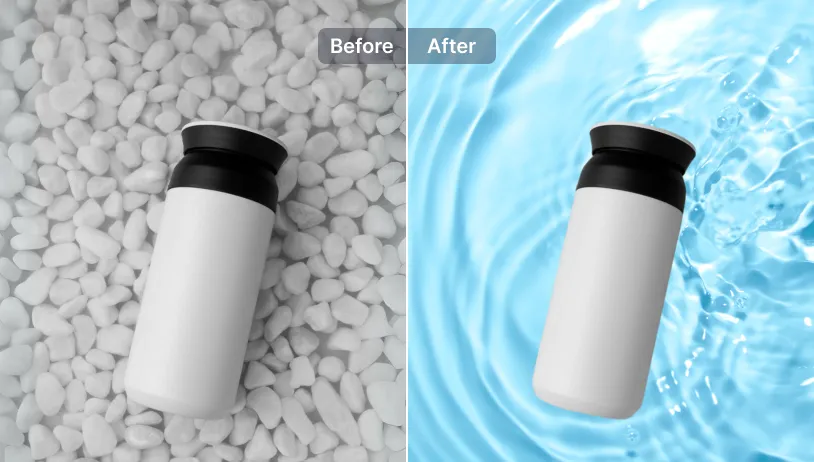
Blue backgrounds can make subjects pop without putting strain on the eyes, making them pleasant to look at

SnapEdit offers various shades of blue for your background photo color. Choose what works best for your needs.
Download SnapEdit on iOS & Android to explore our library of AI features.


 The easiest AI photo editor to remove unwanted objects from photos.