Upload an image
Choose image to add a grey background

Add & edit a grey background easily
No image? Try one of these
To add a grey background to your photo, first go to the
Choose image to add a grey background
SnapEdit automatically detects & erase the photo background and generates a grey background in its place.
Adjust the image by adding text or graphics to it with our in-app editor. Once done, download directly to your device.
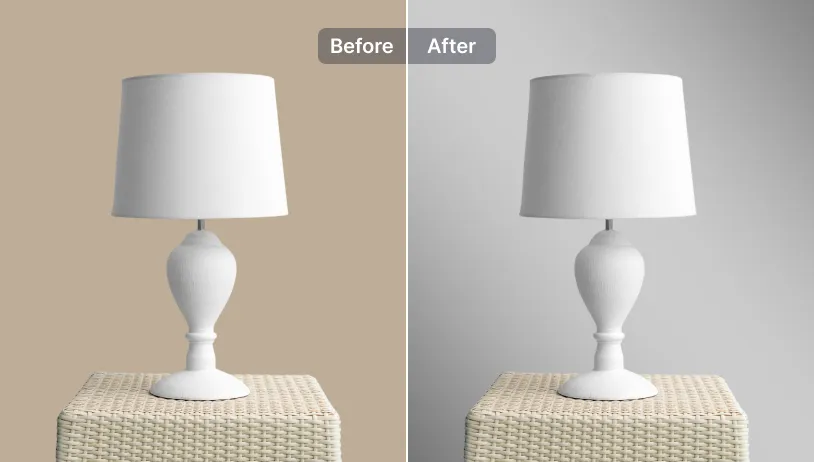
Grey is often overlooked as a color but it works well if you are looking to creates a classic backdrop for your subjects. Grey background also complements a wide range of colors which lets the main subjects take the center stage
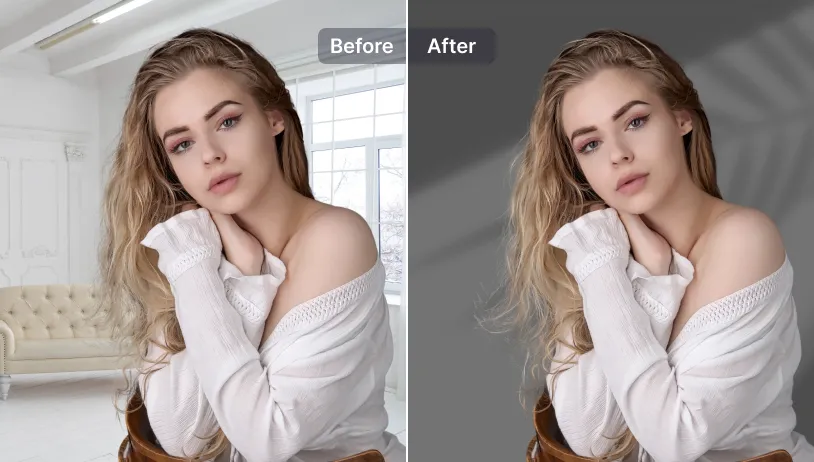
Different shades of grey can evoke different moods. Lighter greys create a sense of calm and serenity, while darker greys can convey drama and mystery. Use it wisely to set the tone for your materials.
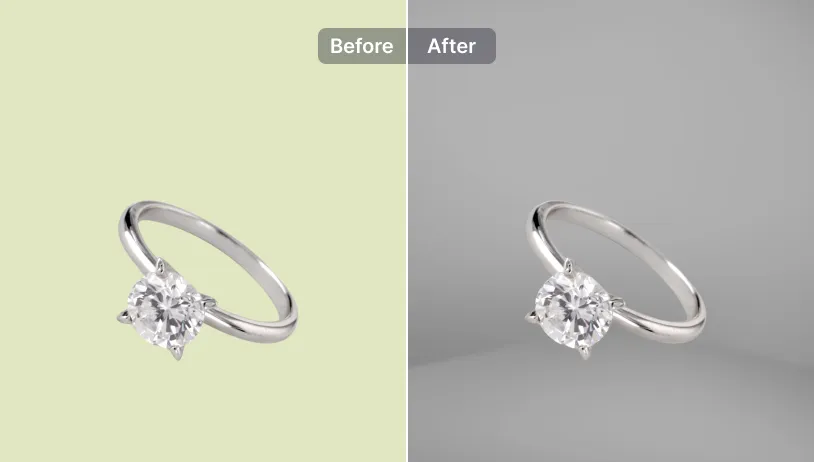
Grey is the quintessential color for architectural photography, minimalist photography or abstract arts. Grey background subtly minimize distractions and allow viewers to focus on the form, shape and details of your subjects.
Use SnapEdit on iOS & Android to explore more powerful photo background editing features


 The easiest AI photo editor to remove unwanted objects from photos.