1. Upload an image
Click Upload Image or drag and drop a JPG or PNG file into the upload section. Works on desktop, mobile, and tablet browsers.

Elevate your images easily with SnapEdit's powerful AI Photo Enhancer feature
Ctrl + V to paste image
No image? Try one of these
Open SnapEdit' Photo Enhancer to improve image quality on any device, in 3 steps:
Click Upload Image or drag and drop a JPG or PNG file into the upload section. Works on desktop, mobile, and tablet browsers.
Choose an AI type: Standard, Art & Illustration, Restore, or Colorize. Then pick an upscale size. 2X is free; 4X and 8X are Pro and click Enhance.
Click Download, then pick a download size. Free users can download the Small size. Pro users can also download Medium or the full Original resolution.
The SnapEdit app is available on the Apple Store & Google Play Store. Our app has been used by users around the world to improve photos quality.


SnapEdit's photo enhancer handles more than portraits. Here's what else you can clarify and upscale:
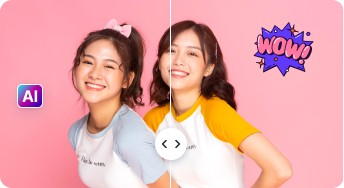
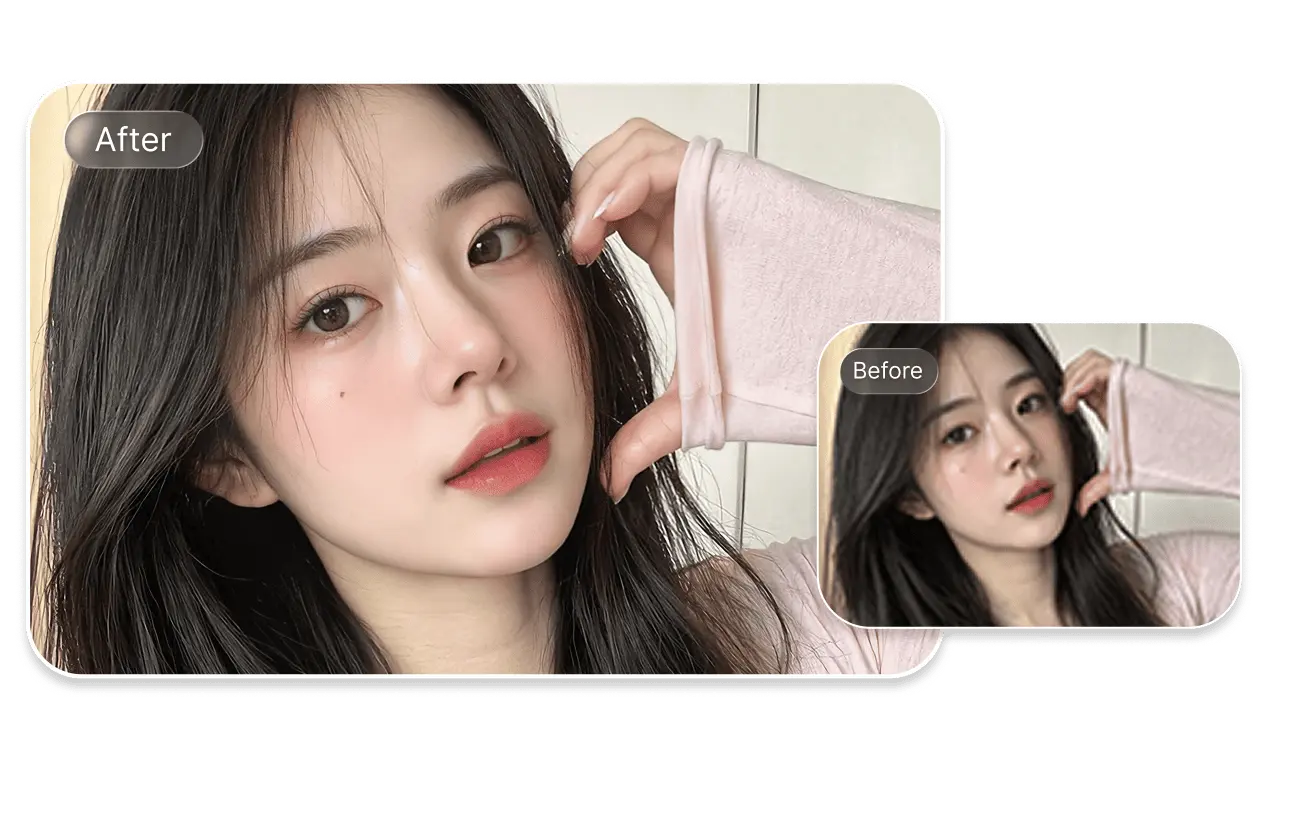
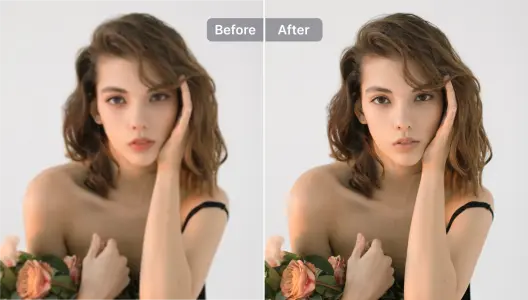
SnapEdit's AI photo enhancer is tuned to sharpen faces and skin texture while keeping results looking natural, not over-smoothed or artificial.
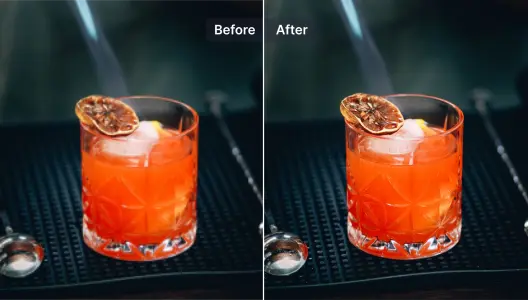
Sharpen product images in seconds for cleaner listings on marketplaces like Shopify, Amazon, and Etsy. Pair it with the AI background remover to change the background too.
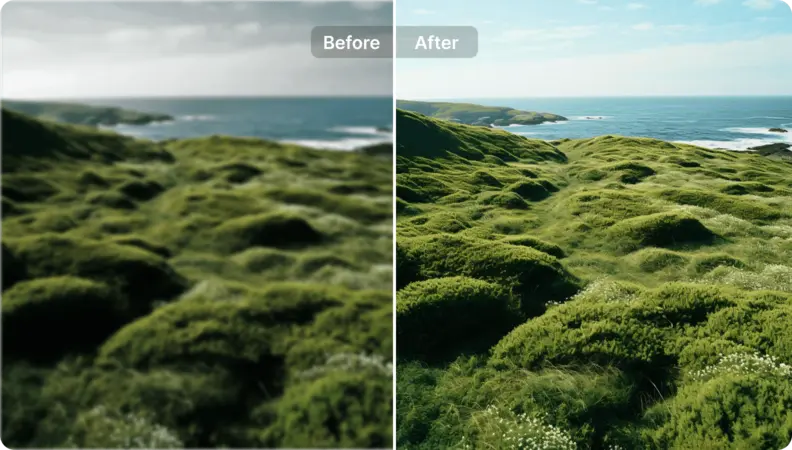
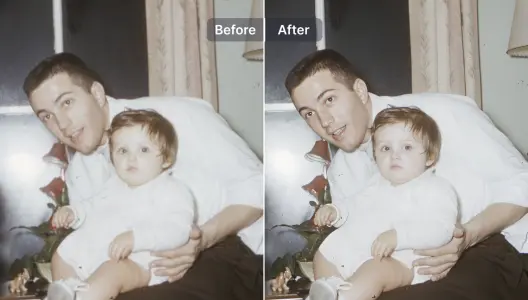
Clarify blurry, low resolution, or pixelated photos in one click. For old or damaged photos specifically, choose the Restore model or Colorize model for a better result.
Upscale illustrations and graphic designs while adding fine detail. Control how much the AI changes versus preserves the original artwork.
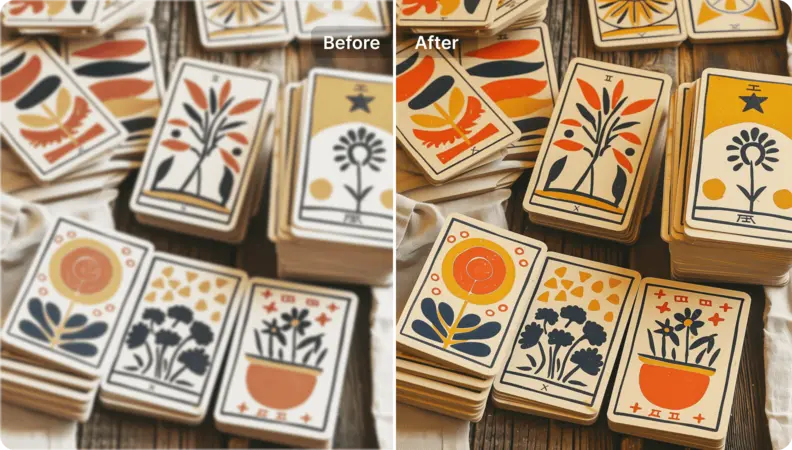
Turn anime, manga, and AI-generated images into higher resolution art suitable for printing or display, without losing the original art style.
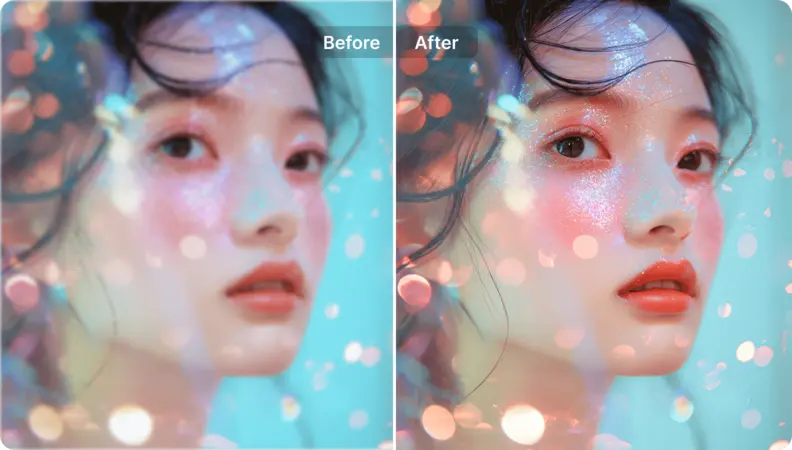
Free to Try
Enhance photos using SnapEdit's shared free credits. Upgrade to a paid plan for higher volume and priority processing.
Fully Automatic
No sliders or manual adjustments needed. SnapEdit's AI reads the photo and enhances it automatically in one click.
Enhanced in Under 5 Seconds
Upload, enhance, and download, all in under 5 seconds per photo. No waiting in a queue or installing software.
Works on Every Device
Use the web app on any browser, or download the iOS and Android app to enhance photos directly from your phone.
 The easiest AI photo editor to remove unwanted objects from photos.